Key Takeaways
- E-commerce image production often becomes a bottleneck long before design quality becomes a problem.
- Manual Photoshop editing does not scale across large catalogs.
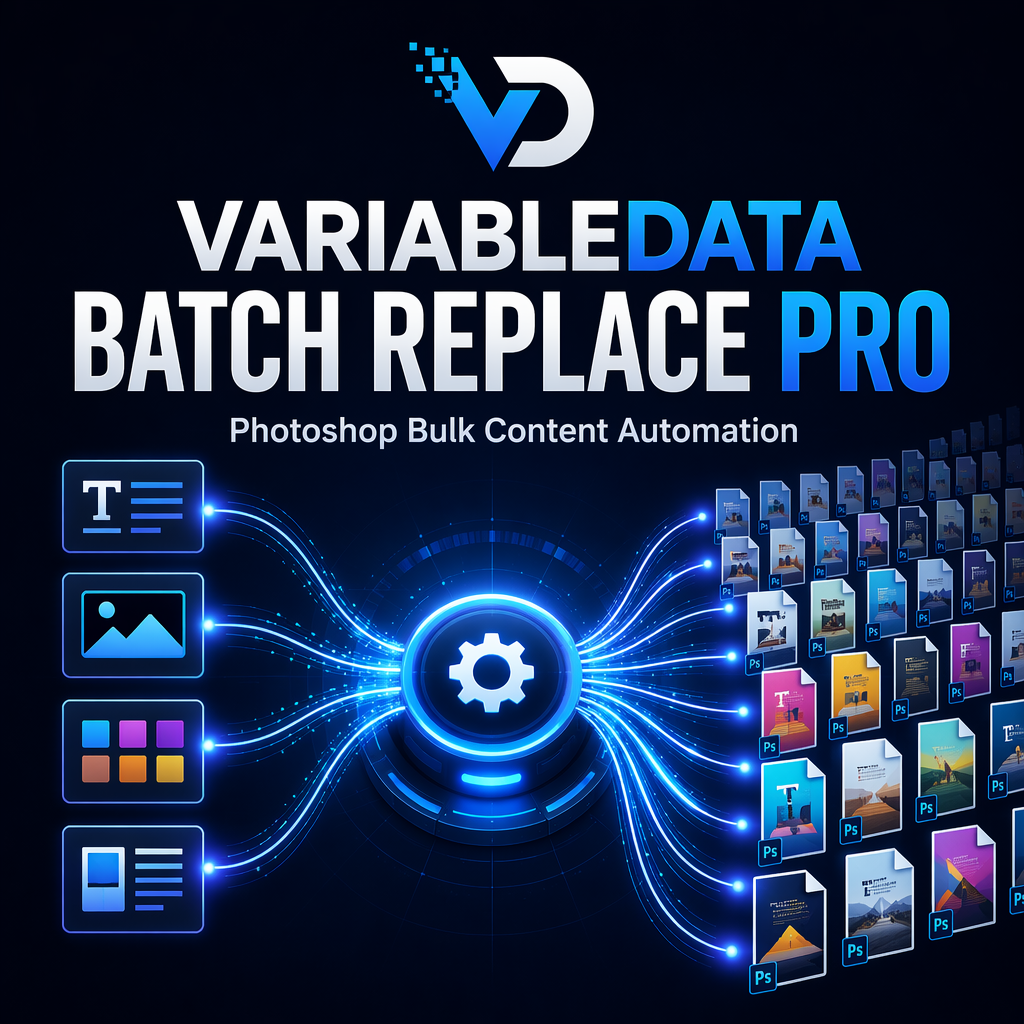
- Variable data workflows allow text, images, and templates to update automatically.
- Batch generation dramatically reduces repetitive production work.
- Multi-template systems help teams maintain consistency while increasing output volume.
Introduction
For many online sellers, product image creation starts as a straightforward process. A designer creates a PSD template, inserts product photos, updates product names, exports images, and uploads them to a marketplace.
This workflow works well when managing ten products.
It becomes much more difficult when managing hundreds or thousands.
Large catalogs create operational challenges that traditional Photoshop workflows were never designed to solve manually. Every new SKU introduces additional image requirements. Every seasonal promotion requires new graphics. Every marketplace may require different image formats, languages, and visual elements.
The result is a growing production workload that consumes valuable design resources.
Industry Problem
E-commerce teams face a common challenge: maintaining consistency while producing large volumes of assets.
A typical product launch may require:
- Main product images
- Marketplace-specific graphics
- Promotional banners
- Feature callout images
- Localized language versions
- Seasonal campaign variations
Even if the visual structure remains identical, content changes constantly.
Product names change.
Images change.
Promotional messaging changes.
Languages change.
Unfortunately, many teams still handle these updates manually.
Designers repeatedly open PSD files, replace content, export assets, and move on to the next variation.
This process creates unnecessary friction throughout the production pipeline.
Common Mistakes
As catalogs grow, several operational mistakes become increasingly common.
- Creating separate PSD files for every product variation.
- Duplicating templates instead of using reusable structures.
- Manually replacing Smart Object content.
- Managing text updates directly inside PSD files.
- Exporting images individually.
- Using inconsistent naming conventions.
These practices may seem manageable initially, but they create long-term maintenance issues.
When hundreds of products require updates simultaneously, even small inefficiencies multiply quickly.
Productivity Impact
The hidden cost of manual production is not simply time.
It is context switching.
Designers are constantly interrupted by repetitive production tasks that provide little creative value.
Instead of focusing on branding, conversion optimization, campaign design, or customer experience, creative teams spend hours replacing images and editing text layers.
This repetitive workload often delays launches, slows campaign execution, and increases the likelihood of human error.
The larger the product catalog becomes, the more significant the productivity impact.
Better Workflow
High-performing e-commerce teams approach image production differently.
Rather than treating every image as a separate design project, they build reusable production systems.
The PSD becomes a template.
The content becomes data.
The production process becomes automated.
Instead of manually updating every file, designers connect structured datasets to reusable templates.
Text fields can pull values from TXT files or CSV columns.
Image placeholders can be connected to product image folders.
Smart Objects can automatically update with replacement assets.
The template structure remains unchanged while content changes dynamically.
This approach dramatically improves scalability.
Automation Benefits
A variable data workflow introduces several practical benefits for e-commerce production teams.
First, it creates consistency.
Every generated image follows the same layout rules, spacing, alignment, and export settings.
Second, it improves speed.
Large batches can be generated automatically rather than edited individually.
Third, it simplifies maintenance.
Updating source data becomes easier than updating hundreds of PSD files.
Additional benefits include:
- Centralized content management
- Reduced production errors
- Faster product launches
- More efficient localization workflows
- Scalable catalog management
- Simplified campaign updates
For teams managing high-volume asset production, these advantages quickly become significant.
Case Example
Imagine an online retailer preparing a new seasonal campaign.
The retailer sells 500 products and needs:
- Updated promotional banners
- New seasonal messaging
- Localized versions for multiple markets
- Marketplace-ready exports
Using a traditional workflow, designers would manually update hundreds of files.
Using a variable data workflow, the process becomes much simpler.
A CSV file contains updated promotional text.
A folder contains replacement product images.
The Photoshop template remains unchanged.
The production system automatically replaces text layers, updates image placeholders, processes Smart Objects, and exports finished graphics.
The result is a repeatable workflow that scales far more effectively than manual editing.
Pro Tip
When managing large product catalogs, organize layer names and folder structures before building automation workflows. Consistent naming conventions make future updates significantly easier and reduce production errors.
Manual Production vs Automated Production
| Workflow Area | Manual Process | Automated Process |
|---|---|---|
| Product Names | Edit Individually | CSV Driven |
| Product Images | Manual Placement | Batch Replacement |
| Smart Objects | Manual Updates | Automated Replacement |
| Exporting | One by One | Bulk Export |
| Multiple Templates | Repeated Editing | Template Automation |
| Catalog Scaling | Difficult | Efficient |
Frequently Asked Questions
Can Photoshop handle large-scale product image generation?
Yes. When combined with automation workflows, Photoshop can generate large numbers of image variations using reusable templates and structured data sources.
Can CSV files be used for product information?
Yes. CSV columns are ideal for storing product names, promotional messages, and other variable text content.
Can Smart Objects be updated automatically?
Yes. Smart Object placeholders can be replaced using batch processing workflows.
Can multiple templates be processed together?
Yes. Multi-template workflows allow entire folders of PSD files to be processed automatically.
Which export formats are supported?
Typical production workflows support JPG, PNG, TIFF, and PSD exports.
Scale Product Image Production Without Scaling Manual Work
When catalogs expand, manual Photoshop editing becomes increasingly difficult to maintain. Variable data automation provides a structured workflow for replacing text, images, Smart Objects, and exporting large batches of production-ready assets from reusable templates.
Conclusion
E-commerce growth creates a unique challenge for creative teams. More products require more images, more campaigns, more variations, and more production effort.
Traditional Photoshop workflows were never intended to support large-scale repetitive production through manual editing alone.
The most efficient teams solve this problem by separating design from data.
Templates remain consistent. Content becomes dynamic. Production becomes automated.
Whether managing product catalogs, promotional campaigns, marketplace assets, or localization projects, variable data workflows help transform Photoshop from a design tool into a scalable production system.
For organizations looking to increase output without increasing repetitive work, automation is often the most practical next step.