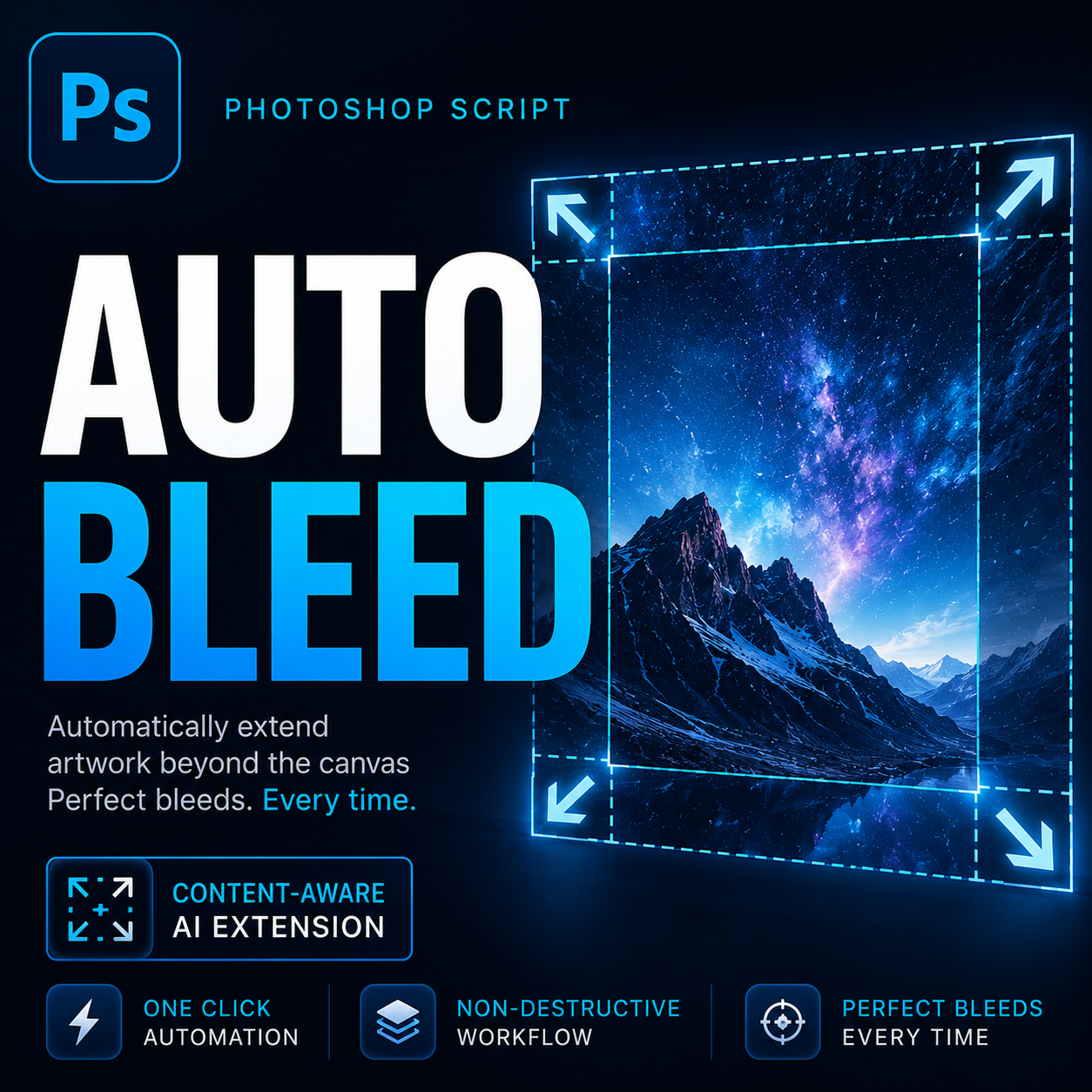
Design production has changed dramatically over the last decade. Teams are creating more assets than ever before, working across multiple channels, managing increasingly tight deadlines, and handling larger volumes of client deliverables. Yet despite advances in design software and workflow automation, many print production tasks remain surprisingly manual.
One of the most common examples is bleed creation.
Across agencies, packaging studios, print shops, publishing teams, and freelance design businesses, professionals still spend valuable production time manually expanding artwork, creating trim guides, and preparing files for printing. While each individual task may only take a few minutes, the cumulative impact across dozens or hundreds of files can become significant.
As production workloads continue to grow, more teams are looking for ways to automate repetitive prepress preparation. Bleed generation has emerged as one of the most practical areas for workflow optimization because it directly affects production speed, consistency, and scalability.
Key Takeaways
- Bleed preparation remains one of the most repetitive tasks in print production.
- Manual workflows increase the risk of inconsistency and production errors.
- Growing asset volumes make automation increasingly valuable.
- Batch processing improves efficiency for agencies and production teams.
- Modern Photoshop automation can standardize bleed generation across projects.
Industry Problem: Print Production Still Contains Repetitive Manual Work
Creative work often receives the most attention when discussing design workflows. Designers focus on branding systems, layouts, visual storytelling, packaging concepts, typography, and customer experience. However, production preparation frequently consumes a substantial portion of project time.
Tasks such as exporting files, preparing assets, adjusting dimensions, checking margins, generating guides, and creating bleed are rarely considered creative work. They are necessary, but they do not directly contribute to design quality.
As organizations scale, these repetitive tasks create operational friction.
A packaging studio may need to prepare dozens of product variants. A publishing company may process hundreds of page layouts. A marketing agency may deliver campaigns across multiple sizes and formats.
In each scenario, bleed preparation becomes a recurring production requirement that repeats again and again.
The challenge is not complexity. The challenge is repetition.
When repetitive tasks accumulate across hundreds of files, they create hidden costs that reduce overall productivity.
Common Mistakes Teams Make When Creating Bleed
Many production problems originate not from design decisions but from inconsistent preparation procedures.
Some of the most common mistakes include:
- Forgetting to add bleed before export.
- Using inconsistent bleed sizes between projects.
- Creating guides manually for every document.
- Stretching artwork incorrectly near edges.
- Using unsuitable extension methods for different artwork types.
- Manually processing large batches of files.
- Failing to save standardized production settings.
These issues often appear during the final stages of production, when deadlines are already approaching and revisions become expensive.
Even experienced teams can introduce errors when repetitive tasks depend entirely on manual execution.
The Hidden Productivity Impact of Manual Bleed Creation
A single bleed operation may appear insignificant. Expanding a canvas, creating guides, extending artwork, and exporting a file might only require a few minutes.
However, productivity challenges emerge when that process must be repeated continuously.
Consider a typical production environment:
- Product packaging variations
- Retail marketing materials
- Localized print campaigns
- Multi-page publications
- Large-format signage
- Trade show graphics
- Promotional collateral
Each project introduces additional files requiring nearly identical preparation procedures.
The actual production cost comes from repetition rather than difficulty.
This is precisely the type of workflow challenge where automation provides measurable benefits.
A Better Workflow for Modern Design Production
High-performing production teams increasingly focus on systemization rather than individual task execution.
Instead of repeating the same preparation process manually, they create workflows that produce consistent results regardless of project size.
A modern bleed workflow typically follows a straightforward structure:
- Select bleed requirements.
- Choose the appropriate expansion method.
- Apply standardized settings.
- Generate trim guides automatically.
- Process files individually or in batches.
- Export production-ready artwork.
This approach reduces variability while improving operational efficiency.
The goal is not replacing creative work. The goal is removing repetitive work that distracts from creative work.
How Automation Improves Bleed Generation
Automation becomes especially useful because different artwork types require different edge extension strategies.
A photographic image may benefit from Content-Aware Fill. Packaging artwork may perform better with mirrored borders. Background textures may work well with edge stretching.
Modern automation tools can provide multiple methods within a single workflow, allowing designers to select the most appropriate approach for each project.
Smart Bleed Pro follows this philosophy by offering:
- Content-Aware Fill expansion
- Full image scaling
- Edge stretch generation
- Mirror border reflection
- Automatic guide creation
- Custom preset management
- Batch folder processing
- Support for common production formats
Rather than forcing a single solution, the workflow adapts to different production scenarios.
Case Example: Scaling Production Without Increasing Repetitive Work
Imagine a design agency preparing a seasonal retail campaign.
The campaign includes posters, shelf displays, product inserts, point-of-sale materials, promotional signage, and localized marketing assets.
While the creative concepts are complete, every deliverable still requires production preparation.
Using a fully manual process, team members must:
- Open each file.
- Expand the canvas.
- Create guides.
- Generate bleed.
- Verify boundaries.
- Export production files.
As the campaign grows, preparation time scales linearly with file volume.
With an automated workflow, preset configurations can be reused and entire folders can be processed with consistent settings.
The production team spends less time on repetitive execution and more time on quality control.
This distinction becomes increasingly important as organizations handle larger project portfolios.
Pro Tip
Create dedicated presets for different print workflows rather than relying on a single universal configuration.
For example, packaging projects, brochures, posters, and large-format graphics often have different bleed requirements. Saving presets for each category helps maintain consistency across future jobs while reducing setup time.
Manual vs Automated Production Preparation
| Workflow Area | Manual Process | Automated Process |
|---|---|---|
| Bleed Generation | Repeated manually | Standardized workflow |
| Guide Creation | Created individually | Generated automatically |
| Consistency | Operator dependent | Preset driven |
| Batch Processing | Not practical | Built for volume |
| Error Reduction | Requires manual review | More predictable output |
| Scalability | Limited | High |
| Production Efficiency | Variable | Consistent |
Frequently Asked Questions
Why is bleed important in commercial printing?
Bleed prevents unwanted white edges caused by trimming tolerances during the finishing process.
Can Photoshop create bleed automatically?
Photoshop provides tools that support bleed creation, and automation scripts can streamline the process significantly.
Is automation only useful for large teams?
No. Freelancers, agencies, publishers, and print providers can all benefit from reducing repetitive production work.
What type of artwork benefits most from automated bleed generation?
Marketing materials, packaging graphics, catalogs, publications, posters, signage, and other print-ready assets often benefit from automated workflows.
Can batch processing improve production efficiency?
Yes. Batch processing eliminates the need to repeat the same preparation steps across large numbers of files.
Modernize Your Photoshop Print Workflow
As production demands continue to grow, reducing repetitive preparation work becomes increasingly important.
Smart Bleed Pro helps automate bleed generation with multiple expansion methods, reusable presets, automatic guides, and batch folder processing designed specifically for Photoshop users.
Conclusion
The future of design production is not simply about creating more artwork. It is about creating better workflows.
Bleed preparation remains an essential requirement for professional printing, but it no longer needs to be a repetitive manual task. By standardizing settings, automating edge generation, creating guides automatically, and supporting batch processing, modern workflow tools can significantly reduce production overhead.
Whether you work independently or manage large-scale production pipelines, automation allows teams to spend less time repeating mechanical tasks and more time focusing on quality, creativity, and project delivery.
As design operations continue to scale, automated bleed creation is rapidly becoming not just a convenience, but a practical requirement for efficient print production.