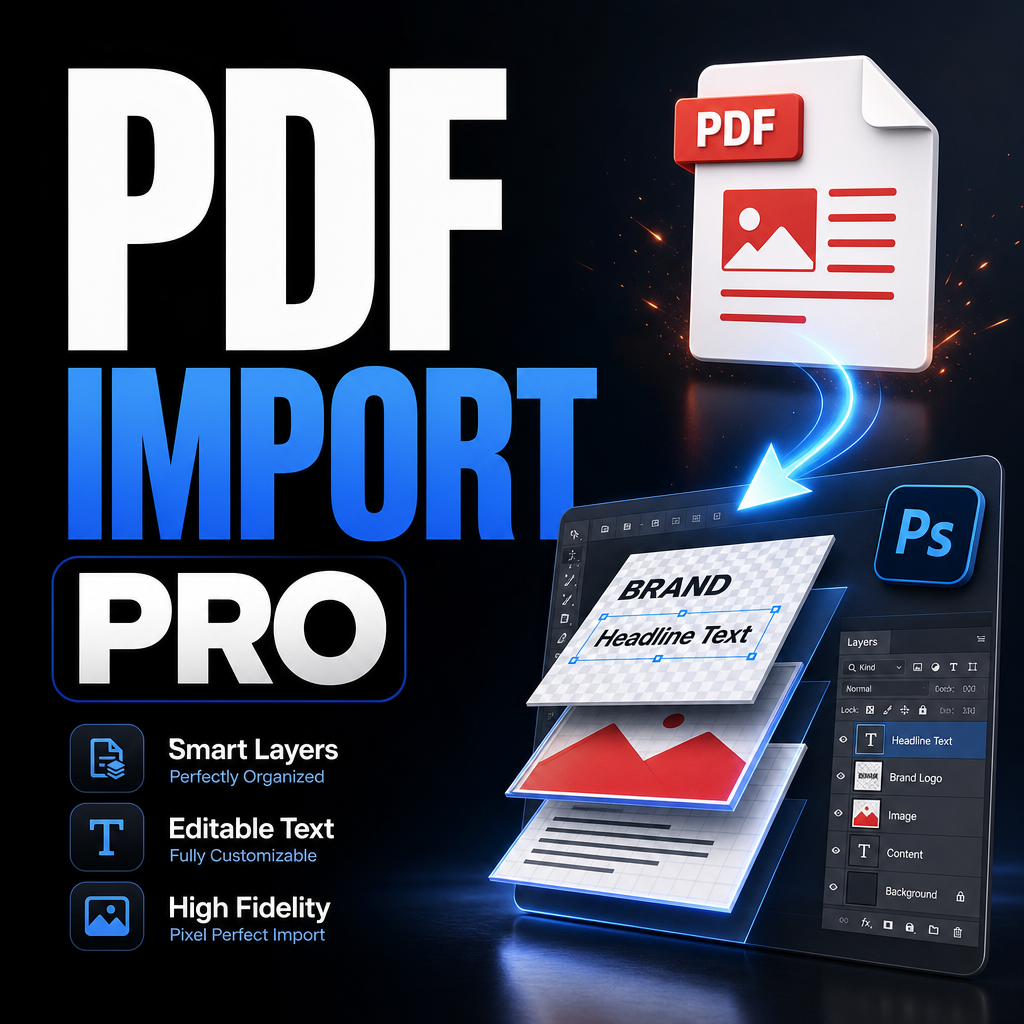
Across packaging studios, print production departments, marketing agencies, publishing companies, and in-house creative teams, PDF files remain one of the most common formats exchanged throughout the design process. Designers receive PDF proofs, production-ready artwork, packaging dielines, catalogs, brochures, labels, and approval documents every day.
Yet despite the widespread use of PDFs, many Photoshop-based workflows still rely on highly manual processes for importing, rasterizing, exporting, and organizing PDF content. These repetitive tasks often go unnoticed because they are distributed across dozens of small actions throughout the day.
The result is a hidden productivity bottleneck that affects project turnaround times, increases opportunities for human error, and consumes valuable creative hours that could be spent on design work instead of file management.
As design teams scale and project volumes increase, workflow efficiency becomes just as important as design quality. Understanding where PDF processing slows production can reveal significant opportunities for operational improvement.
Key Takeaways
- PDF files remain a core asset format across print and production industries.
- Manual PDF imports create hidden inefficiencies in Photoshop workflows.
- Repetitive processing increases the risk of inconsistent outputs.
- Large projects magnify workflow bottlenecks.
- Automation improves consistency, scalability, and operational efficiency.
- Production teams benefit from standardized import and export procedures.
Industry Problem: The Hidden Cost of Repetitive PDF Processing
Most production designers understand the obvious challenges of complex projects. Tight deadlines, multiple revisions, client approvals, and asset management are all visible parts of the workflow. However, many teams overlook the cumulative impact of repetitive operational tasks.
PDF processing is one of those tasks.
Opening a PDF page in Photoshop seems simple enough. Select the file, choose the page, define the resolution, select a crop area, wait for rendering, export the result, and close the document.
Individually, these actions require very little effort. The problem emerges when teams repeat the same process hundreds or thousands of times throughout a month.
For organizations handling packaging artwork, large product catalogs, retail signage, labels, instruction manuals, or marketing collateral, PDF processing often becomes a significant operational workload hidden beneath the creative layer of the business.
Because these tasks are repetitive rather than technically difficult, they frequently receive less attention than higher-profile workflow improvements. Yet they often represent one of the easiest areas to optimize.
Common Mistakes That Slow Production Teams
Many workflow inefficiencies stem from habits that appear harmless but become costly at scale.
- Using different import settings across team members, creating inconsistent output quality.
- Manually opening each PDF page instead of processing ranges.
- Repeatedly configuring identical crop settings for similar projects.
- Exporting files individually after every import.
- Leaving large Photoshop documents open, consuming system resources.
- Maintaining inconsistent file naming structures.
- Switching between RGB and CMYK settings without standardized procedures.
- Recreating workflow configurations for every new project.
These issues rarely appear dramatic in isolation. Their impact becomes visible when multiplied across teams, projects, and months of production work.
The Productivity Impact of Manual PDF Workflows
Modern design teams are expected to deliver more work than ever before. Product launches require marketing assets in multiple formats. Packaging projects involve numerous revisions. Retail campaigns generate extensive print collateral. Publishing teams handle increasingly large document collections.
In this environment, even small inefficiencies can create measurable delays.
Manual PDF processing introduces several productivity challenges:
- Frequent context switching between design work and file management.
- Repeated decision-making for identical settings.
- Additional quality-control requirements.
- Longer turnaround times for large projects.
- Higher cognitive load during production tasks.
- Increased opportunities for human error.
When creative professionals spend excessive time managing files, organizations effectively allocate high-value talent to low-value operational work.
This imbalance becomes particularly noticeable in high-volume production environments where workflow efficiency directly influences profitability and delivery schedules.
A Better Workflow for Modern Production Teams
The most efficient production systems are built around standardization rather than individual effort.
Instead of requiring operators to make repetitive decisions throughout the day, modern workflows centralize those decisions into predefined processes.
For PDF handling in Photoshop, this typically means:
- Standardized import settings.
- Consistent resolution configurations.
- Defined color workflows.
- Predictable crop box selection.
- Automated export procedures.
- Repeatable file naming structures.
- Reduced manual intervention.
By removing unnecessary repetition, teams can focus attention on creative and quality-related decisions rather than routine operational tasks.
Automation Benefits Beyond Speed
Workflow automation is often discussed primarily in terms of time savings. While speed is important, the broader benefits are frequently more valuable.
One of the most significant advantages is consistency.
When every PDF page is imported using identical settings, output quality becomes more predictable. Designers spend less time troubleshooting discrepancies caused by accidental configuration changes.
Automation also improves scalability. A workflow that works for ten pages can continue functioning efficiently for one hundred or one thousand pages without requiring additional complexity.
Another overlooked benefit is knowledge transfer. Standardized workflows reduce dependence on individual experience because operational procedures become embedded within the process itself.
This can simplify onboarding, improve collaboration, and reduce variability between operators.
For production-focused teams, these advantages often have a greater long-term impact than the immediate time savings alone.
Case Example: Packaging Production Workflow
Consider a packaging studio preparing artwork for multiple product variations.
Each product contains approved PDF artwork generated from a separate design application. The production team must create rasterized Photoshop versions for further editing, mockups, quality checks, and marketing deliverables.
Using a traditional workflow, designers repeatedly:
- Open PDF files.
- Select pages.
- Configure crop settings.
- Define resolution values.
- Export image files.
- Close documents.
As product counts increase, the operational workload grows proportionally.
A more automated approach allows operators to define settings once, process multiple pages, and generate outputs consistently across the entire project.
The result is not simply faster processing. The workflow also becomes easier to manage, review, and scale.
Pro Tip
Before optimizing Photoshop performance settings, examine your workflow structure. Many production bottlenecks originate from repetitive manual procedures rather than hardware limitations. Eliminating unnecessary steps often produces larger efficiency gains than upgrading equipment.
Manual vs Standardized PDF Workflow
| Area | Manual Process | Standardized Process |
|---|---|---|
| Settings Management | Repeated every job | Configured once |
| Output Consistency | Operator dependent | Predictable |
| Quality Control | Higher verification needs | Simplified review |
| Project Scaling | Linear workload growth | More efficient scaling |
| Error Risk | Higher | Lower |
| Production Efficiency | Variable | More reliable |
Why Photoshop PDF Automation Is Becoming More Relevant
Creative teams are increasingly expected to support growing content demands without proportional increases in staffing. Marketing campaigns require more assets. Product catalogs expand. Packaging portfolios become larger. Localization projects introduce additional variations.
As asset volume increases, operational efficiency becomes a competitive advantage.
Organizations that continue relying on highly manual workflows often experience slower delivery cycles and greater operational overhead compared with teams that invest in process optimization.
This trend explains the growing interest in workflow automation tools designed specifically for production-oriented Photoshop environments.
Solutions such as PDF Import Script workflows help bridge the gap between Photoshop's powerful editing capabilities and the operational requirements of modern production teams.
Frequently Asked Questions
Why are PDF files so common in production design?
PDFs preserve layout integrity, support print workflows, and provide consistent results across different systems and applications.
What causes PDF workflows to become slow?
The primary issue is usually repetitive manual processing rather than PDF technology itself.
Does automation replace designers?
No. Automation removes repetitive operational tasks, allowing designers to focus on creative and strategic work.
Can automation improve consistency?
Yes. Standardized workflows reduce variability and help maintain predictable output quality.
Are these improvements only useful for large organizations?
No. Freelancers, agencies, and in-house teams can all benefit from reducing repetitive production work.
What types of projects benefit most?
Catalogs, packaging artwork, labels, brochures, manuals, large-format graphics, and other multi-page PDF-based projects often see the greatest improvements.
Build a More Efficient Photoshop Production Workflow
If PDF processing is a recurring part of your workflow, reducing repetitive import and export tasks can improve consistency, simplify production management, and help creative teams spend more time on actual design work.
Conclusion
The most significant workflow bottlenecks are not always the most visible ones. In many production environments, PDF processing remains a hidden source of inefficiency that quietly consumes valuable time across projects and teams.
While opening a single PDF page may seem trivial, the cumulative impact of repetitive imports, exports, configuration adjustments, and file management tasks can be substantial over time.
As content demands continue growing across print, packaging, publishing, and marketing industries, organizations increasingly recognize the value of workflow standardization and automation. The goal is not simply to work faster. It is to create systems that are more predictable, scalable, and reliable.
By reducing manual intervention and establishing consistent PDF processing procedures, production teams can improve operational efficiency while allowing designers to focus on higher-value creative work. In an industry where deadlines, accuracy, and scalability matter, workflow optimization is no longer a luxury—it is becoming an essential part of modern design operations.