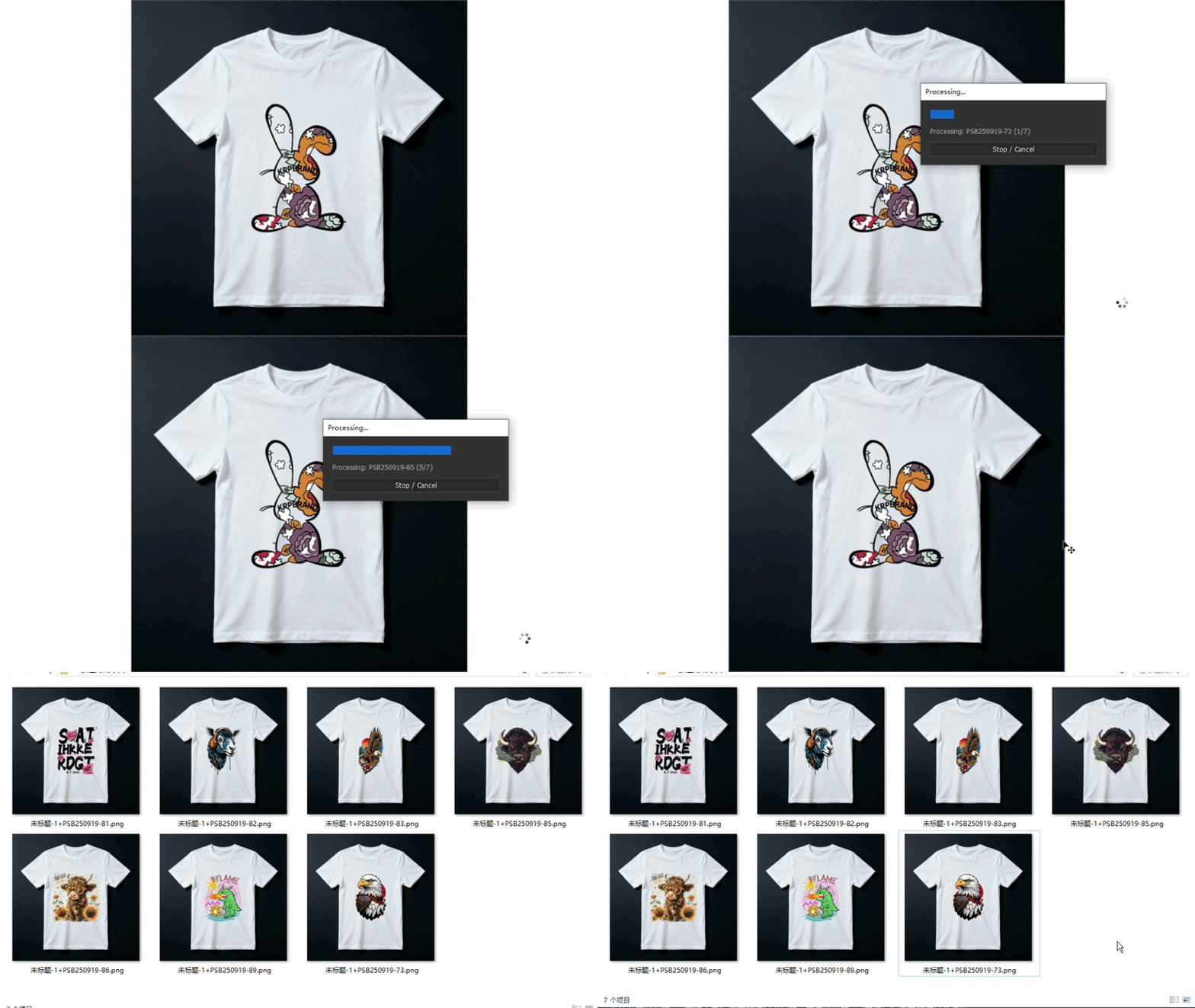
SmartReplace Batch
Automate Photoshop Smart Object replacement with this Photoshop Script for batch mockup generation, multi-template processing, random exports, and bulk image automation.
Product Description
🖼️ Batch Smart Object Replacer
Automated Mockup Creation, Product Rendering & Multi-Template Processing Tool for Photoshop
😩 Tired of Manual Mockup Generation?
Creating product mockups, e-commerce listings, localized design variations, or presentation renders often requires opening, replacing, resizing, and saving files one by one.
Updating multiple layers across dozens of PSD templates manually is slow, repetitive, and limits your productivity.
Batch Smart Object Replacer v3.0 automates this entire workflow directly inside Photoshop, allowing you to process large volumes of images with a few clicks.
🚀 Key Features
-
Standard Batch Replacement
-
Assign specific target folders to specific Smart Object layers in your active document. Great for complex, multi-layer mockups.
-
-
Multi-Template Batch Processing
-
Bulk-replace the primary Smart Object across an entire folder of PSD/TIFF templates without manually opening each file first.
-
-
Flexible Processing Modes
-
Permutation Mode: Pairs every template with every single asset in your source folder to generate all possible combinations.
-
Sequential Mode: Pairs templates and assets in alphabetical order (1-to-1) for structured generation.
-
-
Randomized Batch Generation
-
Randomly matches source assets with selected templates to quickly generate design variations.
-
-
Dual-Engine Processing
-
Native Engine: Uses Photoshop's native fast replacement (optimized for raw processing speed).
-
Advanced Layout Engine: Provides adaptive scaling options (Fill & Crop, Stretch, Fit Short/Long Side) with custom margins and alignment.
-
-
9-Point Grid Alignment
-
Position your imported graphics using a standard 9-point anchor system (Top-Left, Center, Bottom-Right, etc.).
-
-
Comprehensive Export Controls
-
Formats: JPG (Quality 12), PNG, TIF, PSD.
-
Save Locations: Original source folder, Desktop, or custom folder with auto-generated subdirectories.
-
Automatic Naming: Generate filenames using variables like Template Name, Image Name, and index serialization.
-
Slice Output Support: Export multi-slice templates or long scrolling images directly into sliced layouts.
-
🎯 Perfect For
-
E-commerce & Print-on-Demand (POD) Sellers
-
Mockup Creators & Graphic Designers
-
Product Packaging Designers
-
UI/UX Designers & App Presenters
-
Social Media Content Creators
-
Photoshop Power Users
⚡ How To Use
-
Open Your Template
-
Load any mockup or template containing Smart Objects.
-
-
Launch the Script
-
Go to File > Scripts > Browse... and select the script.
-
-
Choose Your Mode
-
Select Standard Batch, Multi-Template, or Random Batch.
-
-
Configure Layout & Save Rules
-
Select your scaling mode, alignment grid, export format, destination, and file naming rules.
-
-
Click "Start Process"
-
The script automatically handles the processing, saving, and closing of files.
-
💻 Compatibility
-
Adobe Photoshop 2020+
-
Windows
-
macOS
-
File Format: .jsx
-
No additional plugins required.
GIF Demonstration