DimensionFlow Pro
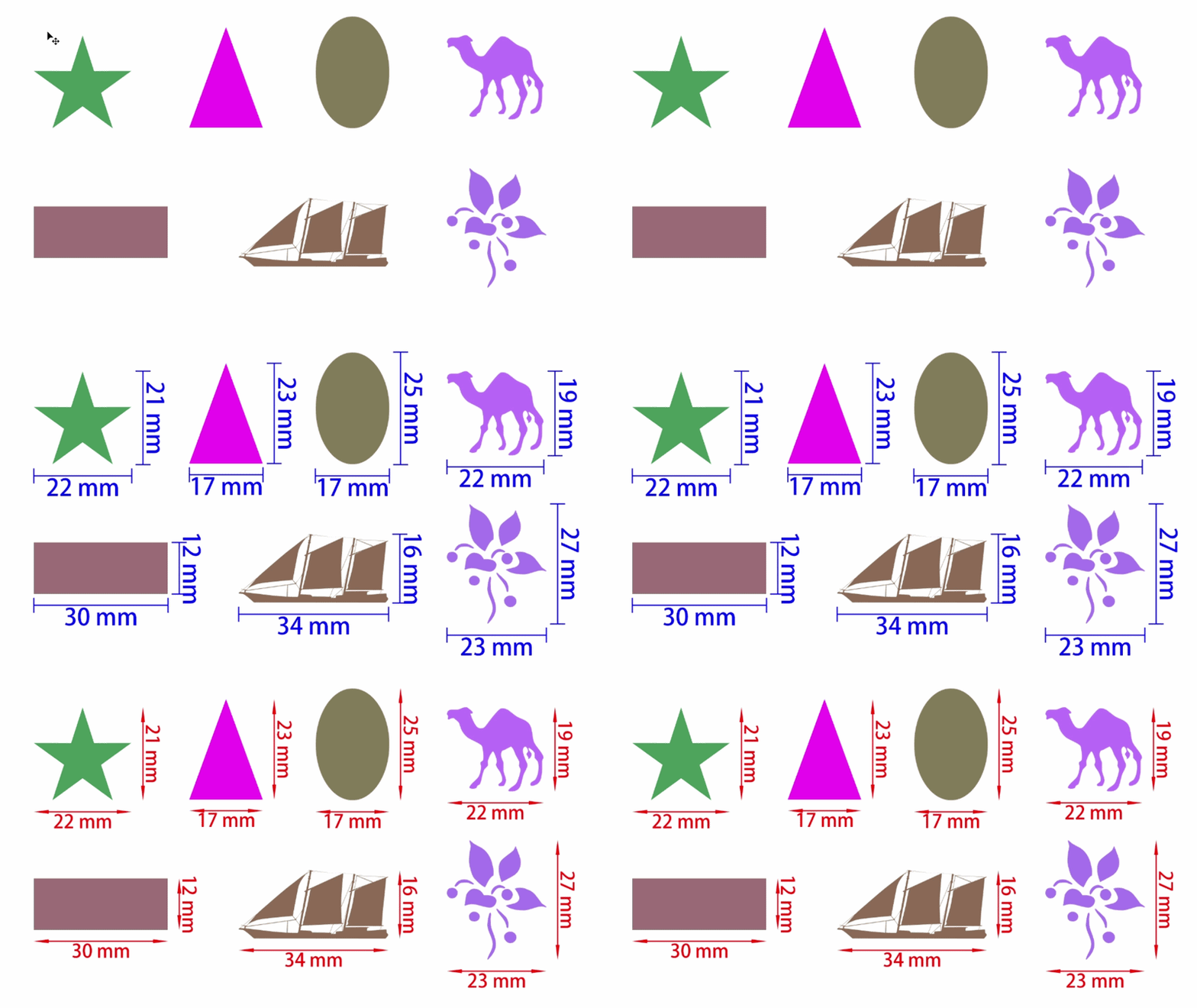
DimensionFlow Pro is a Photoshop Script for automatic dimension annotation, spacing measurement, and precise layout labeling for designers
Product Description
Automate Photoshop dimension annotation, spacing measurement, and layout labeling in seconds ⚡
Why Designers Use DimensionFlow Pro
⚡ Replace manual ruler work with instant dimension generation
🎯 Auto-detect spacing between layers and objects
🚀 Speed up print-ready layout preparation
💡 Reduce human error in measurements and alignment
Core Features
Multi-edge annotation (Top / Bottom / Left / Right)
Spacing, Total & Single Object measurement modes
Continuous spacing for multi-layer layouts
Angled dimension rendering support
Multiple styles: Arrow, Slash, Tick, Dot
Unit conversion (mm, cm, m, pt, px)
Scale system (1/1, 1/10, 1/100)
Live update existing annotation groups
Simple Workflow
1. Select layers or draw a selection in Photoshop
2. Choose annotation mode (Single / Spacing / Total / Continuous)
3. Click “Annotate”
4. Instantly generate professional dimension labels
2. Choose annotation mode (Single / Spacing / Total / Continuous)
3. Click “Annotate”
4. Instantly generate professional dimension labels
Use Cases
Print design layout measurement
UI/UX spacing documentation
Packaging dieline annotation
Engineering & technical mockups
Why Choose This Script
Built for professional Photoshop workflows, DimensionFlow Pro eliminates repetitive measurement tasks and ensures precision across complex design systems.
FAQ
Does it support multiple units?
Yes, mm / cm / m / pt / px.
Yes, mm / cm / m / pt / px.
Can I update annotations?
Yes, all groups can be updated automatically.
Yes, all groups can be updated automatically.
Does it work on selections?
Yes, supports selection and layer-based measurement.
Yes, supports selection and layer-based measurement.
Is spacing automatic?
Yes, it detects spacing between selected layers.
Yes, it detects spacing between selected layers.