GuideGrid Pro
Photoshop Script for creating custom guides, grid systems, margins, rule-of-thirds layouts, golden ratio guides, and reusable guide presets in seconds.
Product Description
🎯 Build Perfect Layouts in Photoshop Within Seconds
Tired of manually placing guides, calculating margins, and creating grid systems for every project?
Whether you're designing social media graphics, print layouts, UI mockups, packaging, or professional compositions, creating accurate guide structures can be repetitive and time-consuming.
GuideGrid Pro automates the entire process and generates professional guide layouts instantly.
🚀 Key Features
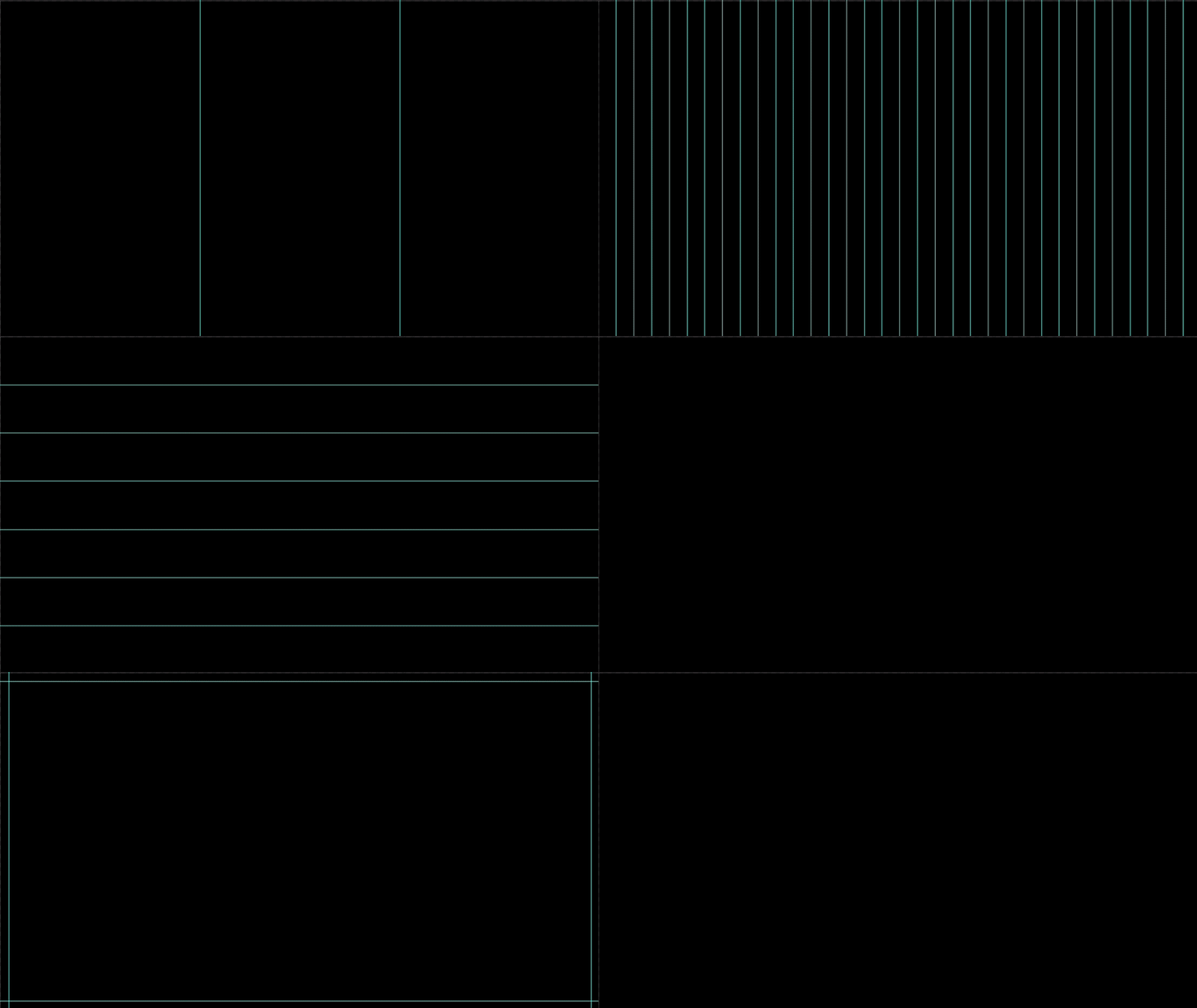
✅ Create custom vertical and horizontal guide spacing
✅ Generate equal-distance columns and rows automatically
✅ Add precise margins with synchronized lock controls
✅ Built-in composition templates:
-
Rule of Thirds
-
Golden Ratio
-
Center Cross
✅ Support for multiple units:
-
mm
-
cm
-
px
-
%
✅ Real-time guide preview
✅ Save and load custom presets
✅ One-click removal of existing guides
✅ Smart history rollback system
👨💻 Perfect For
-
Graphic Designers
-
UI/UX Designers
-
Print Designers
-
Packaging Designers
-
Social Media Creators
-
Photoshop Template Makers
-
Creative Agencies
-
Digital Product Sellers
⚡ How To Use
Step 1
Open any Photoshop document.
Step 2
Run the JSX script.
Step 3
Choose your preferred guide creation method:
-
Custom spacing
-
Equal distribution
-
Margins
-
Quick templates
Step 4
Adjust values and preview guides instantly.
Step 5
Click OK to apply your guide layout.
💎 Why Designers Love It
Instead of spending minutes calculating layout structures manually, you can generate professional guide systems in seconds.
Perfect for maintaining consistency across branding, packaging, social media, print production, and interface design projects.
🖥 Compatibility
-
Adobe Photoshop CC
-
Adobe Photoshop 2020+
-
Windows
-
macOS
File Format: JSX
No plugins required.