Last year, I spent almost an entire weekend creating mockup images.
Not designing.
Not marketing.
Not researching products.
Just replacing Smart Objects.
If you sell digital downloads, print-on-demand products, SVG files, stickers, wall art, or apparel on Etsy, you probably know exactly what this feels like.
You finish the actual design work in a few hours.
Then you spend the next two days creating listing images.
That's when I realized the biggest bottleneck in my business wasn't creativity.
It was production.
Introduction
Most Etsy sellers eventually reach a point where creating products becomes easier than publishing them.
Imagine you've just finished a collection of 100 new designs.
Now you need mockups.
Lots of mockups.
Every design needs lifestyle photos, product previews, marketplace thumbnails, promotional graphics, and social media images.
Suddenly, your 100 designs become 1,000 images.
The frustrating part is that none of this work is creative.
You're simply opening Photoshop templates, replacing Smart Objects, exporting files, and repeating the same steps hundreds of times.
Key Takeaways
- Mockup production often takes longer than creating the actual design.
- Most Etsy sellers underestimate how much time is spent replacing Smart Objects.
- Batch Smart Object workflows dramatically reduce repetitive production work.
- Multiple PSD templates can be processed automatically.
- Large product launches become significantly easier to manage.
- Automation allows sellers to spend more time creating and selling.
The Problem Nobody Talks About
Most Etsy tutorials focus on finding profitable niches.
Others focus on SEO, pricing, or keyword research.
Very few people talk about what happens after you create the design.
Let's say you're selling:
- T-shirt graphics
- SVG bundles
- Printable wall art
- Canva templates
- Sticker packs
- Digital planners
Your customers expect professional previews.
One mockup is rarely enough.
Most successful listings contain multiple presentation images.
Now multiply that across dozens or hundreds of products.
The workload becomes enormous.
The Weekend I Tried to Launch 200 New Designs
A common scenario looks like this.
You spend several weeks creating new products.
You feel productive.
You are excited to launch.
Then reality hits.
You open your mockup PSD.
Double-click the Smart Object.
Insert artwork.
Save.
Return to template.
Export.
Repeat.
Again.
And again.
And again.
After several hours, it becomes obvious that Photoshop is no longer the problem.
The process is.
Where Most Sellers Lose Time
The actual time drain isn't usually inside Photoshop itself.
It's the repetition.
For every design you need to:
- Open a template
- Replace artwork
- Adjust placement
- Save Smart Object
- Export output
- Rename files
- Move files into folders
Individually, these tasks seem small.
Together, they consume hours.
As your store grows, they consume days.
The Turning Point: Building a Repeatable System
The biggest improvement came when I stopped treating mockup creation as a design task.
I started treating it as a production process.
Instead of creating images one by one, I began organizing:
- Artwork folders
- PSD template libraries
- Export rules
- Output naming structures
Once everything was organized, batch Smart Object replacement became possible.
The goal wasn't to automate creativity.
The goal was to automate repetition.
What Happens When You Scale to Hundreds of Products?
This is where batch replacement becomes valuable.
Imagine:
- 100 designs
- 5 mockup templates
- 500 final images
Or:
- 300 designs
- 10 mockup templates
- 3,000 final images
At that scale, manually replacing Smart Objects becomes difficult to justify.
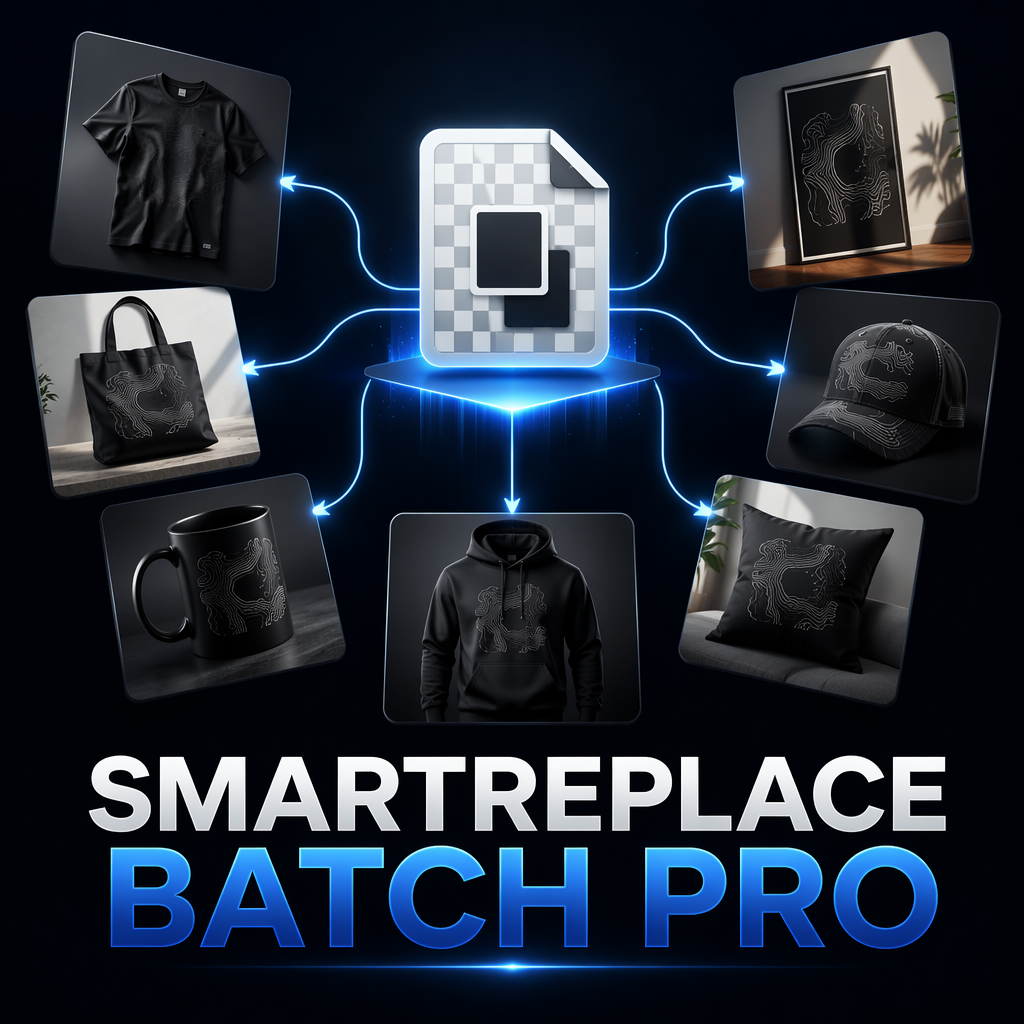
A batch workflow allows Photoshop templates to function more like a production system.
Images are inserted automatically.
Templates are processed automatically.
Exports are generated automatically.
The workflow becomes predictable regardless of project size.
Why Multiple Templates Matter
Most Etsy sellers don't use a single mockup.
They use collections.
A single product might need:
- Lifestyle image
- Studio image
- Close-up view
- Product detail image
- Promotional banner
Processing one template at a time quickly becomes a bottleneck.
This is why batch workflows that support multiple PSD templates are especially useful for growing stores.
Creating Variety Without More Work
Another challenge is repetition.
If every listing uses the same mockup scene, your storefront starts looking identical.
Successful sellers often rotate:
- Backgrounds
- Models
- Scenes
- Presentation styles
Generating those variations manually requires substantial effort.
Automated template processing makes it much easier to create variety while maintaining consistency.
Pro Tip
If you're planning a large product launch, build your template library before creating mockups. A well-organized PSD collection becomes exponentially more valuable once it can be reused across hundreds of products.
Manual Workflow vs Production Workflow
| Task | Traditional Method | Production Workflow |
|---|---|---|
| Replace Smart Objects | One by one | Batch processing |
| Process Templates | Open manually | Template library workflow |
| Export Files | Individual exports | Automated output generation |
| Launch Large Collections | Slow | Scalable |
| Store Growth | More work | More leverage |
FAQ
Who benefits most from batch Smart Object workflows?
Etsy sellers, print-on-demand businesses, digital product creators, and anyone generating large numbers of mockup images.
Do I need hundreds of products before automation helps?
No. Even stores with a few dozen products can save significant time when creating multiple mockup variations.
Can the workflow process multiple PSD templates?
Yes. This is one of the biggest advantages for sellers managing large mockup libraries.
Is this only useful for apparel?
No. The same workflow applies to wall art, stickers, packaging, digital products, books, and many other categories.
Spend More Time Creating Products, Not Replacing Smart Objects
The most successful Etsy sellers don't necessarily work harder. They build systems that allow them to launch more products with less repetitive work. Batch Smart Object automation is one of the simplest ways to achieve that inside Photoshop.
Conclusion
Most Etsy sellers start by thinking they need better designs.
Eventually they discover a different problem.
The designs aren't slowing them down.
The production process is.
When your store reaches dozens, hundreds, or even thousands of products, manually replacing Smart Objects becomes one of the largest hidden costs in your workflow.
Building a repeatable batch production system allows Photoshop to handle repetitive tasks while you focus on creating products, improving listings, and growing your business.
That's often the difference between running a store and scaling one.