Introduction
Many design teams have invested heavily in faster computers, cloud collaboration, AI tools, and workflow automation. Yet one surprisingly common task remains almost unchanged: dimension annotation.
Across packaging design, print production, technical illustration, and UI documentation, professionals still spend hours creating measurements manually.
The problem is not a lack of skill. The problem is the workflow itself.
Key Takeaways
- Manual annotation creates hidden production costs.
- Repetitive measurement work scales poorly.
- Consistency becomes difficult across projects.
- Automation improves both speed and accuracy.
- Modern Photoshop workflows can eliminate repetitive tasks.
Industry Problem
Dimension annotations appear everywhere:
- Packaging specifications
- Print production documents
- Technical diagrams
- Engineering references
- Store displays
- UI spacing documentation
Despite their importance, many teams still rely on manual construction methods.
Every arrow, line, label, and spacing indicator is drawn individually. While manageable on small projects, this approach becomes inefficient when documentation requirements increase.
Common Mistakes
- Inconsistent arrow styles
- Incorrect unit conversions
- Misaligned labels
- Forgotten spacing measurements
- Outdated dimensions after design revisions
- Manual recalculation errors
These issues often create unnecessary review cycles and production delays.
Productivity Impact
Most designers underestimate the cumulative effect of repetitive measurement work.
A single annotation may only require a minute or two. However, projects rarely contain just one dimension.
Technical layouts frequently require:
- Object dimensions
- Multiple spacing labels
- Total measurements
- Angled dimensions
- Updated documentation after revisions
When multiplied across entire projects, manual annotation becomes a significant productivity drain.
Better Workflow
Modern workflows focus on reducing repetitive operations.
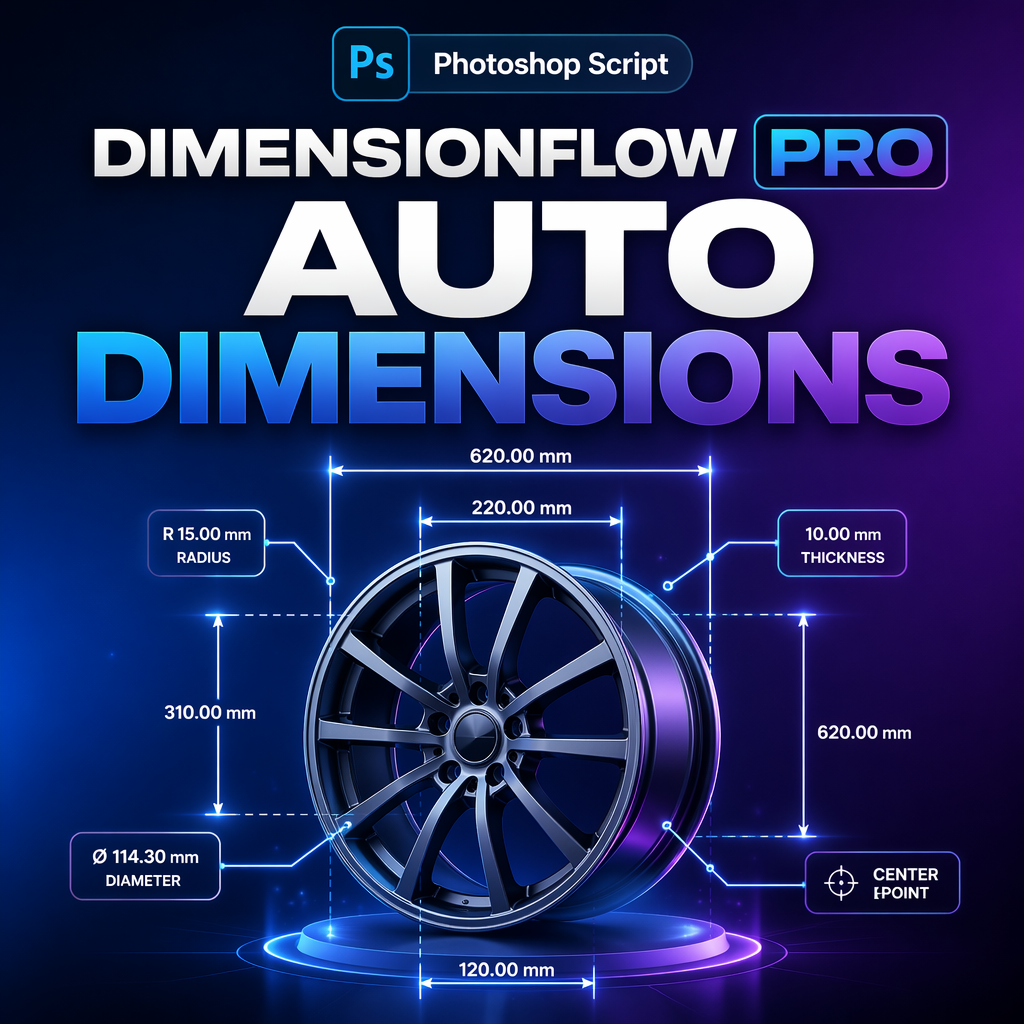
Instead of manually drawing annotation graphics, designers can generate dimensions automatically from selected objects.
The process becomes:
- Select layers.
- Choose measurement type.
- Generate annotations.
- Update when designs change.
The result is a cleaner, more scalable production workflow.
Automation Benefits
- Faster measurement creation
- Improved consistency
- Better documentation quality
- Reduced human error
- Simplified revision process
- Professional visual standards
Automation does not replace design expertise. It removes repetitive execution work so designers can focus on decision-making and creativity.
Case Example
Consider a packaging designer preparing a dieline specification sheet.
The document contains:
- Panel widths
- Fold spacing
- Total dimensions
- Angled measurements
- Production notes
Using traditional methods, every dimension must be drawn individually.
Using an automated dimension annotation workflow, measurements can be generated directly from selected elements, maintaining consistent formatting across the entire document.
The difference becomes especially noticeable when revisions arrive.
💡 Pro Tip
Standardize annotation styles across your organization. Consistent units, arrow styles, font sizes, and spacing dramatically improve readability and reduce production confusion.
Workflow Comparison
| Category | Manual Method | Automated Method |
|---|---|---|
| Measurement Creation | Repeated drawing | Generated automatically |
| Spacing Analysis | Manual checking | Calculated automatically |
| Consistency | Depends on user | Standardized |
| Revision Handling | Rebuild annotations | Update workflow |
| Scalability | Limited | Excellent |
FAQ
Why are dimension annotations important?
They communicate exact measurements and relationships within a design.
Can Photoshop handle technical documentation?
Yes, especially when combined with dedicated annotation workflows.
What types of measurements are most common?
Object dimensions, spacing measurements, total dimensions, and angled measurements.
Who benefits from annotation automation?
Packaging designers, print professionals, production artists, technical illustrators, and UI teams.
Does automation improve consistency?
Yes. Standardized generation helps maintain visual consistency across projects.
Modernize Your Photoshop Documentation Workflow
Automate repetitive measurement tasks and create cleaner technical documentation faster.
Conclusion
Manual dimension annotation remains one of the most overlooked productivity bottlenecks in professional design workflows.
While designers continue investing in faster software and hardware, repetitive measurement tasks often remain unchanged. The result is unnecessary effort, inconsistent documentation, and avoidable revision work.
By adopting automated dimension annotation workflows, teams can improve consistency, reduce manual labor, and create professional technical documentation more efficiently.
The future of Photoshop production is not working harder—it is eliminating repetitive work wherever possible.