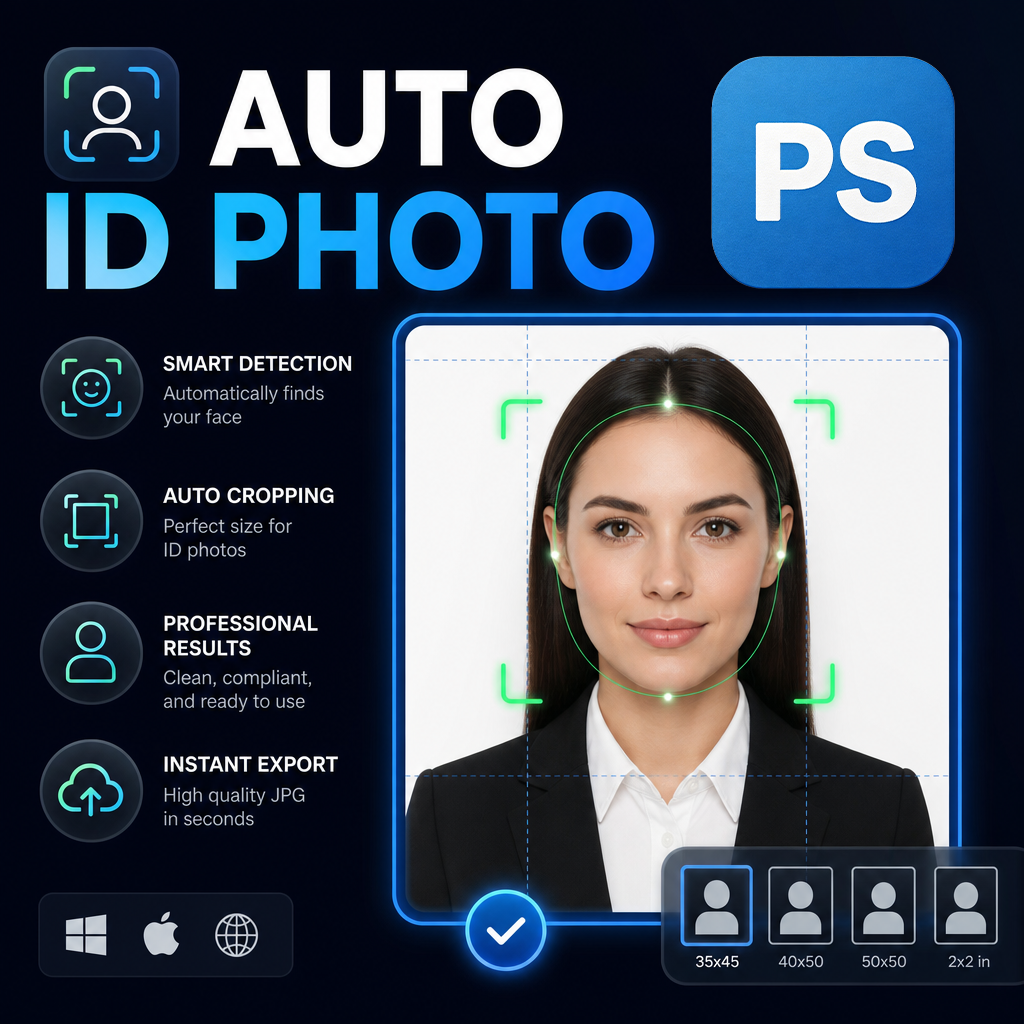
Passport photos may appear simple from a customer’s perspective, but professionals working in photography studios, print centers, visa agencies, and document preparation services know the reality is far more complex. Every image must meet strict sizing requirements, maintain clean backgrounds, preserve facial proportions, and be delivered quickly.
As customer expectations continue to rise, many businesses are discovering that traditional Photoshop workflows struggle to keep up with increasing demand. The result is a growing shift toward automation, particularly for repetitive tasks such as portrait cropping, photo resizing, background replacement, and multi-format export.
This article explores why ID photo businesses are increasingly automating passport photo production in Photoshop and how workflow automation is helping teams improve both efficiency and consistency.
Key Takeaways
- Passport photo production involves more than simple image cropping.
- Different countries require different dimensions and specifications.
- Manual workflows become inefficient as volume increases.
- Automation helps standardize production processes.
- Batch processing reduces repetitive editing tasks.
- Consistent outputs improve customer satisfaction and reduce rework.
Industry Problem: The Hidden Complexity of Passport Photos
Many photography professionals enter the ID photo market expecting straightforward production. After all, passport photos are small images with relatively simple layouts.
However, once a business begins processing dozens of customers per day, complexity grows rapidly.
Every country, visa category, and identification system may require different specifications. Customers often request multiple versions of the same image for different applications. Some require white backgrounds. Others require blue backgrounds. Certain organizations request high-resolution files, while others prioritize compact digital formats.
Even small variations can introduce production delays when handled manually.
The challenge becomes particularly noticeable for businesses that serve:
- Passport photo studios
- Visa application services
- Photo printing shops
- Government document preparation agencies
- Corporate HR departments
- Educational institutions
- Professional licensing organizations
Without standardized workflows, teams often spend more time managing production than actually serving customers.
Common Mistakes That Slow Down Production
Many businesses attempt to scale their operations by hiring additional staff rather than improving workflow efficiency. While increasing manpower can help temporarily, it rarely solves the underlying problem.
The most common inefficiencies include repetitive manual tasks that occur for every single image.
Repeated Cropping
Employees manually reposition portraits for every customer image, even when similar alignment rules apply across projects.
Manual Resizing
Creating multiple output dimensions often requires duplicating documents and repeating resize operations several times.
Background Variations
Producing white, blue, and red background versions individually increases production time considerably.
Export Management
Saving files into different formats and naming conventions creates opportunities for human error.
Inconsistent Results
Different operators may crop images slightly differently, leading to inconsistencies between projects.
While each individual task may only require a few minutes, the cumulative impact becomes substantial over hundreds of photos.
The Productivity Impact of Manual Workflows
One of the biggest misconceptions in the photo industry is that passport photos are low-effort products.
In reality, profitability often depends on operational efficiency rather than editing complexity.
When businesses process a handful of photos per week, manual editing may be sufficient. However, as volume grows, repetitive work begins consuming valuable production hours.
Teams frequently encounter situations where:
- Employees spend more time resizing than retouching.
- Simple tasks become bottlenecks during busy periods.
- Customer wait times increase.
- Quality control becomes more difficult.
- Revisions become more frequent.
These issues affect both customer experience and business scalability.
The more repetitive a task becomes, the greater the opportunity for automation.
A Better Workflow for Modern ID Photo Production
Leading studios are increasingly approaching passport photo production as a workflow problem rather than an editing problem.
Instead of focusing solely on image manipulation, they focus on creating repeatable systems.
A modern workflow typically follows these principles:
- Standardized image preparation.
- Consistent portrait positioning.
- Predefined output dimensions.
- Automated background generation.
- Batch processing whenever possible.
- Automated file export.
By reducing the number of manual decisions required for each image, businesses can increase throughput without sacrificing quality.
How Automation Changes the Workflow
Automation tools built for Photoshop can eliminate many repetitive production steps.
Rather than processing each photo individually, operators configure a workflow once and allow the software to handle repetitive tasks.
The Photoshop Script examined in this workflow focuses specifically on portrait photo production.
Key capabilities include:
- Batch image processing.
- Support for multiple standard passport and visa photo sizes.
- Custom dimension creation.
- Automatic portrait-based workflows.
- Background color generation.
- Smart canvas filling.
- JPG export.
- PNG export.
- TIFF export.
Most importantly, the workflow allows multiple output versions to be generated from a single portrait image.
This significantly reduces repetitive work while improving consistency.
Automation Benefits for Different Types of Businesses
Photography Studios
Studios can reduce editing time while maintaining consistent framing and output quality.
Visa Service Providers
Multiple country-specific photo formats can be generated from a single image session.
Print Shops
High-volume production becomes easier when repetitive resizing tasks are automated.
Corporate HR Teams
Employee ID photos can be standardized across large organizations.
Educational Institutions
Student identification photo production becomes more manageable during enrollment periods.
Automation allows these organizations to focus more on customer service and less on repetitive image preparation.
Case Example: Scaling an ID Photo Service
Imagine a small passport photo studio serving travelers, students, and job applicants.
Initially, the studio processes a manageable number of images each day using traditional Photoshop techniques.
As demand grows, staff members begin spending increasing amounts of time performing repetitive operations:
- Resizing photos.
- Creating additional photo sizes.
- Changing background colors.
- Exporting multiple file formats.
Instead of hiring additional editors immediately, the business introduces workflow automation.
Portrait processing becomes more standardized. Multiple output sizes are generated simultaneously. Background variations are created automatically. Export operations require fewer manual steps.
The result is a more scalable operation that can handle larger workloads with greater consistency.
Pro Tip
When implementing automation, start by identifying the most repetitive tasks in your workflow. Activities such as resizing, canvas adjustment, background generation, and export management typically provide the highest return on automation investment.
Manual Workflow vs Automated Workflow
| Production Area | Manual Workflow | Automated Workflow |
|---|---|---|
| Portrait Processing | Repeated per image | Standardized workflow |
| Size Creation | Individual resizing | Multi-size generation |
| Background Variations | One at a time | Multiple outputs automatically |
| Export Management | Manual saving | Automated export |
| Consistency | Operator dependent | Workflow dependent |
| Scalability | Limited | High |
Frequently Asked Questions
Why are passport photo workflows good candidates for automation?
Most production steps are repetitive and follow predictable rules, making them ideal for workflow automation.
Can automation maintain image quality?
Yes. Automation primarily reduces repetitive manual operations while preserving image quality standards.
Do businesses still need Photoshop?
Absolutely. Automation enhances Photoshop workflows rather than replacing Photoshop itself.
Can multiple passport photo sizes be generated from one image?
Yes. Modern automation workflows can create multiple output dimensions from a single portrait source.
Who benefits most from passport photo automation?
Photography studios, visa agencies, print shops, HR departments, schools, and any organization processing large volumes of identification photos.
Modernize Your Passport Photo Workflow
As demand for fast and accurate identification photo services continues to grow, workflow efficiency becomes a competitive advantage. Automating repetitive Photoshop tasks can help businesses improve consistency, reduce production time, and scale operations more effectively without increasing complexity.
Conclusion
The passport photo industry is changing. Customers expect faster delivery, businesses face growing demand, and operational efficiency is becoming increasingly important.
While Photoshop remains one of the most powerful tools for image preparation, manual workflows are no longer the most practical solution for high-volume production environments. Repetitive tasks such as resizing, background generation, canvas adjustments, and export management can quickly become bottlenecks that limit growth.
Automation provides a practical path forward. By standardizing production workflows and reducing repetitive work, businesses can improve consistency, increase throughput, and deliver a better customer experience. For organizations that process passport photos regularly, workflow automation is no longer simply a convenience—it is becoming an essential part of modern photo production.