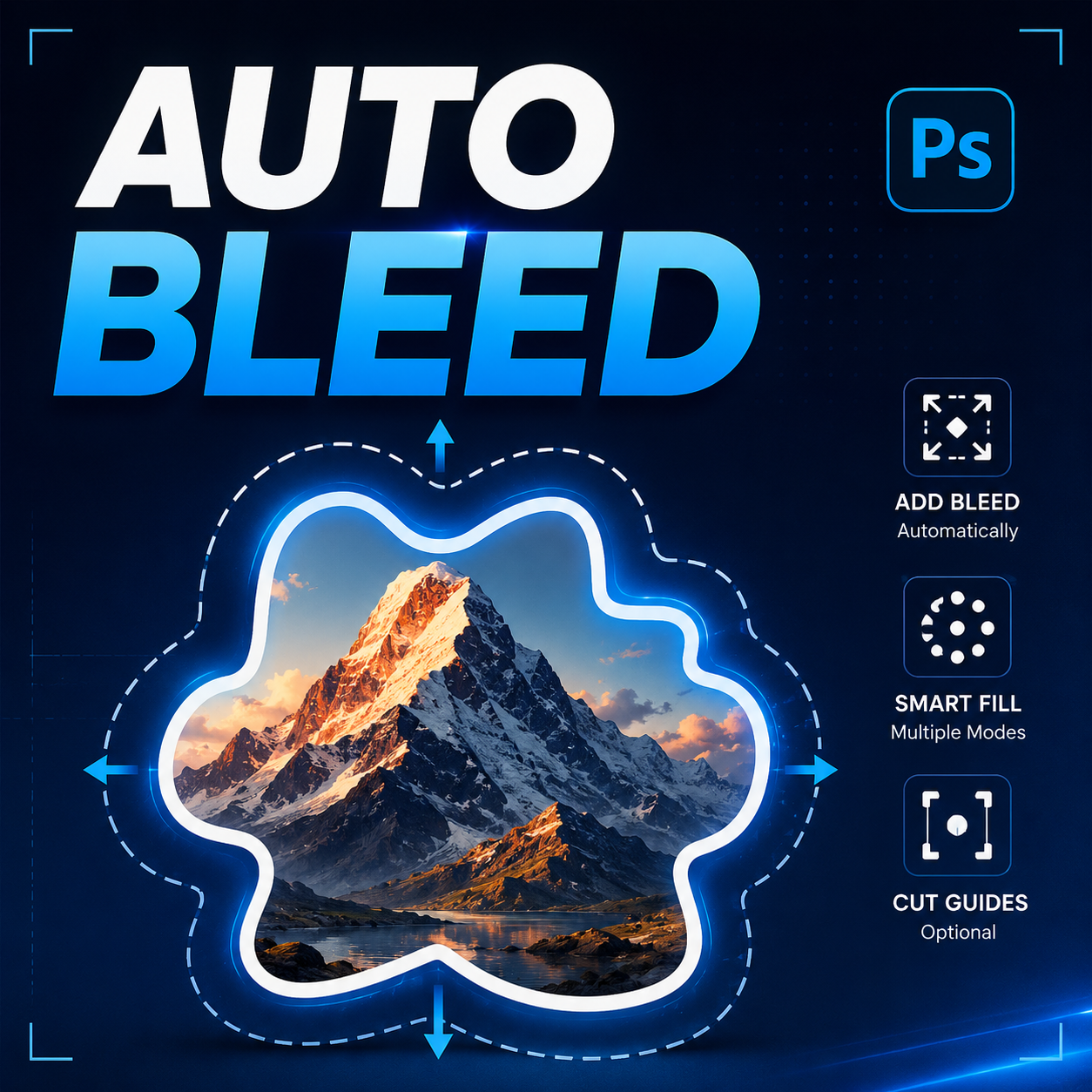
Print production has become increasingly automated over the past decade. Designers can generate mockups faster, export assets automatically, and streamline approval workflows using modern software. Yet one surprisingly manual task continues to consume valuable production time across agencies, print shops, packaging teams, and freelance studios: creating bleed for irregular shapes.
While standard rectangular bleed is easy to prepare, custom contours introduce an entirely different level of complexity. Every sticker, die-cut label, contour-cut graphic, product tag, and custom packaging design requires additional attention before it becomes production ready.
For teams processing dozens or hundreds of files each week, these small tasks accumulate into a significant workflow bottleneck.
Key Takeaways
- Irregular shape bleed creation remains one of the most repetitive prepress tasks.
- Manual Photoshop workflows introduce inconsistency and production delays.
- Complex contours require more than simple canvas expansion.
- Production efficiency depends heavily on repeatable workflows.
- Automation can improve consistency without sacrificing quality.
- Different artwork types require different bleed generation approaches.
Introduction
When discussing print production efficiency, conversations often focus on large-scale improvements such as automated proofing systems, cloud collaboration, digital asset management, and variable data printing. These innovations undoubtedly create measurable gains.
However, experienced production teams understand that workflow inefficiencies are often hidden inside smaller repetitive tasks.
A designer may spend only three or four minutes generating bleed for a single sticker design. That may seem insignificant in isolation. Yet when multiplied across hundreds of files over weeks or months, those minutes become hours of production overhead.
The challenge becomes even greater when artwork contains complex contours, transparent regions, photographic subjects, textured edges, or custom die-cut boundaries.
In these scenarios, bleed creation becomes more than a simple technical requirement—it becomes a recurring production burden.
Industry Problem: Irregular Shapes Are Everywhere
The growth of personalized manufacturing and short-run printing has dramatically increased demand for custom-shaped products.
Today, businesses frequently produce:
- Die-cut stickers
- Custom product labels
- Packaging sleeves
- Retail signage
- Promotional decals
- Event graphics
- Contour-cut marketing materials
- Print-on-demand merchandise
Unlike traditional rectangular print pieces, these products depend on precise cut lines and contour-based bleed regions.
Every file must contain sufficient artwork extending beyond the final cutting boundary. Without that extension, even minor cutting tolerances can reveal unwanted white edges around the finished product.
The result is a workflow that demands both precision and repetition.
Common Mistakes Teams Make
Because bleed creation is often treated as a secondary production task, many teams rely on inconsistent methods.
Assuming Rectangular Techniques Will Work
Some designers attempt to use standard canvas expansion methods. While effective for rectangular layouts, this approach fails when the artwork follows an irregular contour.
Using Manual Painting
Others manually paint or clone surrounding pixels into the bleed area. This process is time-consuming and difficult to standardize across projects.
Ignoring Edge Quality
Complex outlines frequently contain small irregularities. If these are transferred directly into the bleed boundary, cutting quality may suffer.
Inconsistent Smoothing
Different team members often use different approaches to path creation and contour refinement, producing inconsistent outputs.
Missing Cut References
Without clearly defined cut guides, communication between design and production departments becomes more difficult.
None of these mistakes are catastrophic individually, but collectively they create friction throughout the workflow.
The Hidden Productivity Impact
Production bottlenecks rarely appear because of one major issue. Instead, they emerge from repeated micro-tasks.
Consider a packaging designer preparing multiple product variations. Every design requires:
- Loading transparency selections
- Expanding contours
- Creating bleed regions
- Smoothing edges
- Generating references
- Checking results
Each step may only require a few clicks, but those clicks repeat continuously throughout the day.
The true cost is not only time. Cognitive switching also plays a role. Every interruption forces designers to stop creative work and perform technical production tasks.
Over time, this context switching reduces overall productivity and increases the likelihood of mistakes.
For agencies managing multiple clients simultaneously, consistency becomes as valuable as speed.
A Better Workflow for Modern Production Teams
The most effective workflows remove repetitive actions while preserving creative control.
Instead of manually rebuilding bleed regions for every file, designers can establish repeatable systems that generate predictable results.
An optimized workflow generally follows four principles:
- Standardized settings
- Repeatable contour generation
- Consistent edge quality
- Minimal manual intervention
This philosophy has transformed many other areas of design production. The same logic applies to irregular shape bleed generation.
Automation Benefits in Photoshop
Automation does not replace creative judgment. Instead, it handles repetitive technical operations that follow predictable rules.
For bleed generation, automation can:
- Load transparency selections automatically
- Generate contour paths
- Expand bleed boundaries
- Create smoother outlines
- Apply different fill methods
- Generate cut-position guides
- Maintain consistent settings across projects
This is where specialized Photoshop scripts become valuable.
A tool such as ShapeBleed Pro focuses specifically on the repetitive aspects of contour-based bleed generation. Rather than manually rebuilding every boundary, designers can choose bleed size, adjust smoothing tolerance, select an appropriate fill method, and generate results directly from the artwork layer.
Importantly, different projects often require different treatments.
Photographic subjects may benefit from content-aware expansion. Simplified graphics may require smooth contour growth. Some packaging applications only require solid-color bleed areas.
Having multiple generation modes provides flexibility while preserving workflow consistency.
Case Example: Sticker Production Workflow
Imagine a print shop producing custom stickers for online sellers.
The shop receives dozens of PNG files daily. Each file contains a transparent background and a unique subject shape.
Before production begins, every file requires:
- Bleed creation
- Contour refinement
- Cut guide verification
- Production review
Using a fully manual process, operators repeatedly perform the same actions throughout the day.
With a standardized automation workflow, much of the repetitive preparation disappears. Operators spend less time generating technical assets and more time verifying final output quality.
The result is not necessarily dramatic for a single file. The benefit becomes noticeable when scaled across hundreds or thousands of production assets.
Pro Tip
Treat bleed generation as part of a standardized production system rather than an individual design task. Consistent settings for bleed size, contour smoothing, and guide creation help reduce quality variations across projects and team members.
Manual vs Automated Production Approach
| Workflow Area | Manual Process | Automated Process |
|---|---|---|
| Selection Creation | Repeated Every File | Automatic |
| Contour Generation | Manual | Automatic |
| Edge Smoothing | Variable Results | Consistent Settings |
| Guide Creation | Manual | Optional Automatic |
| Workflow Consistency | User Dependent | Standardized |
| Scalability | Limited | Improved |
Frequently Asked Questions
Why is bleed necessary for irregular shapes?
Bleed ensures artwork extends beyond the cut line, preventing visible white edges after trimming.
Can Photoshop create irregular bleed natively?
Photoshop provides tools that can be combined to create bleed manually, but the process often involves multiple steps.
What types of projects require contour bleed?
Stickers, labels, packaging, decals, signs, and other die-cut products commonly require contour-based bleed.
What is contour smoothing?
Contour smoothing simplifies or refines an outline to create cleaner production edges.
Is automation suitable for professional print workflows?
Yes. Many production environments rely on automation to reduce repetitive work while maintaining consistency.
Can different artwork types require different bleed methods?
Absolutely. Photographic subjects, illustrations, and solid-color graphics often benefit from different bleed generation approaches.
Modernize Your Bleed Creation Workflow
As custom-shaped products continue to grow across packaging, labeling, and print-on-demand industries, efficient bleed generation becomes increasingly important.
ShapeBleed Pro helps Photoshop users automate contour-based bleed creation with adjustable smoothing controls, multiple fill methods, overlap settings, and optional cut-position guides.
The goal is simple: spend less time rebuilding bleed areas and more time delivering finished production-ready artwork.
Conclusion
Irregular shape bleed creation remains one of the most overlooked bottlenecks in print production workflows. While each task appears small, the cumulative impact on productivity, consistency, and quality can be substantial.
As production volumes continue to increase and custom-shaped products become more common, manual workflows become increasingly difficult to scale.
Organizations that standardize and automate repetitive preparation tasks gain a clear operational advantage. They reduce production friction, improve consistency, and free designers to focus on higher-value creative work.
Whether you manage a print shop, packaging department, agency production team, or freelance workflow, investing in more efficient bleed generation processes can produce lasting benefits across every stage of production.