Design systems, digital products, marketing assets, and print materials all rely on one fundamental principle: structure.
Before colors, typography, imagery, and branding can work together effectively, designers need a reliable framework that controls alignment, spacing, balance, and hierarchy. That framework is often built using guides.
Yet many creative professionals continue to create guides manually inside Photoshop, even though guide creation is one of the easiest parts of the workflow to automate.
As production volumes increase and design teams become more efficiency-focused, automated guide generation is becoming a standard productivity practice rather than a luxury feature.
Key Takeaways
- Guide creation is a foundational step in professional design workflows.
- Manual guide placement creates repetitive production work.
- Design systems require consistency across multiple projects.
- Automation reduces setup time and minimizes human error.
- Reusable guide presets improve operational efficiency.
- Composition templates help standardize creative output.
- Modern design teams increasingly automate layout preparation.
The Industry Problem Nobody Talks About
When people discuss design productivity, conversations usually focus on AI, asset generation, prototyping tools, or collaboration platforms. However, many of the biggest productivity leaks occur in small repetitive tasks.
Guide creation is one of those tasks.
Most designers have experienced situations where they needed to:
- Create the same margin system repeatedly.
- Rebuild identical column grids.
- Recalculate spacing for new canvas sizes.
- Recreate social media templates.
- Prepare layout structures for client deliverables.
- Apply composition guides for visual content.
Individually, these tasks may seem minor. Collectively, they consume a surprising amount of production time.
The challenge becomes even more visible inside agencies, marketing teams, ecommerce companies, publishers, and content production environments where hundreds of assets are created every month.
In these environments, efficiency is not only about speed. It is about repeatability, consistency, and reducing unnecessary manual work.
Common Mistakes Designers Make
Manual guide creation often leads to recurring workflow problems.
Inconsistent Margins
Different team members may use different spacing values, resulting in visual inconsistency across projects.
Repetitive Calculations
Designers repeatedly calculate identical grid structures rather than reusing proven systems.
Mixed Measurement Units
Projects frequently switch between pixels, millimeters, and percentages, increasing the risk of positioning errors.
Missing Composition Frameworks
Many designers understand concepts like the Rule of Thirds and Golden Ratio but fail to apply them consistently because manual setup takes time.
Lack of Standardization
Without reusable presets, organizations struggle to maintain visual consistency across campaigns and product lines.
These issues rarely create dramatic failures, but they steadily reduce efficiency and increase revision cycles.
The Hidden Productivity Impact
Consider a typical designer working on multiple projects per week.
Before any creative work begins, the designer often prepares:
- Canvas structure
- Margins
- Grid systems
- Alignment guides
- Composition frameworks
This preparation phase happens repeatedly throughout the week.
The actual guide creation may only require a few minutes, but those minutes are multiplied across projects, deliverables, revisions, and team members.
Over time, organizations begin to recognize that layout preparation is a workflow category that deserves optimization just like file organization, asset management, and export automation.
The goal is not simply to work faster. The goal is to eliminate low-value repetitive actions so designers can spend more time solving creative problems.
A Better Workflow for Modern Design Teams
Modern creative operations increasingly follow a standardized workflow:
- Open document.
- Apply predefined layout structure.
- Start designing immediately.
This workflow removes the need to manually reconstruct guide systems for every project.
Instead of treating guides as temporary setup elements, teams treat them as reusable infrastructure.
The same philosophy that drives design systems, component libraries, and brand guidelines also applies to layout frameworks.
When guide structures become standardized assets, production becomes more predictable and scalable.
Why Automation Makes Sense
Guide automation solves several practical problems simultaneously.
Speed
Complex layouts can be generated almost instantly.
Accuracy
Automated calculations remove positioning mistakes.
Consistency
Every project can start from the same structural foundation.
Flexibility
Designers can switch between pixels, millimeters, centimeters, and percentages depending on project requirements.
Scalability
Teams can create standardized presets that work across multiple clients and brands.
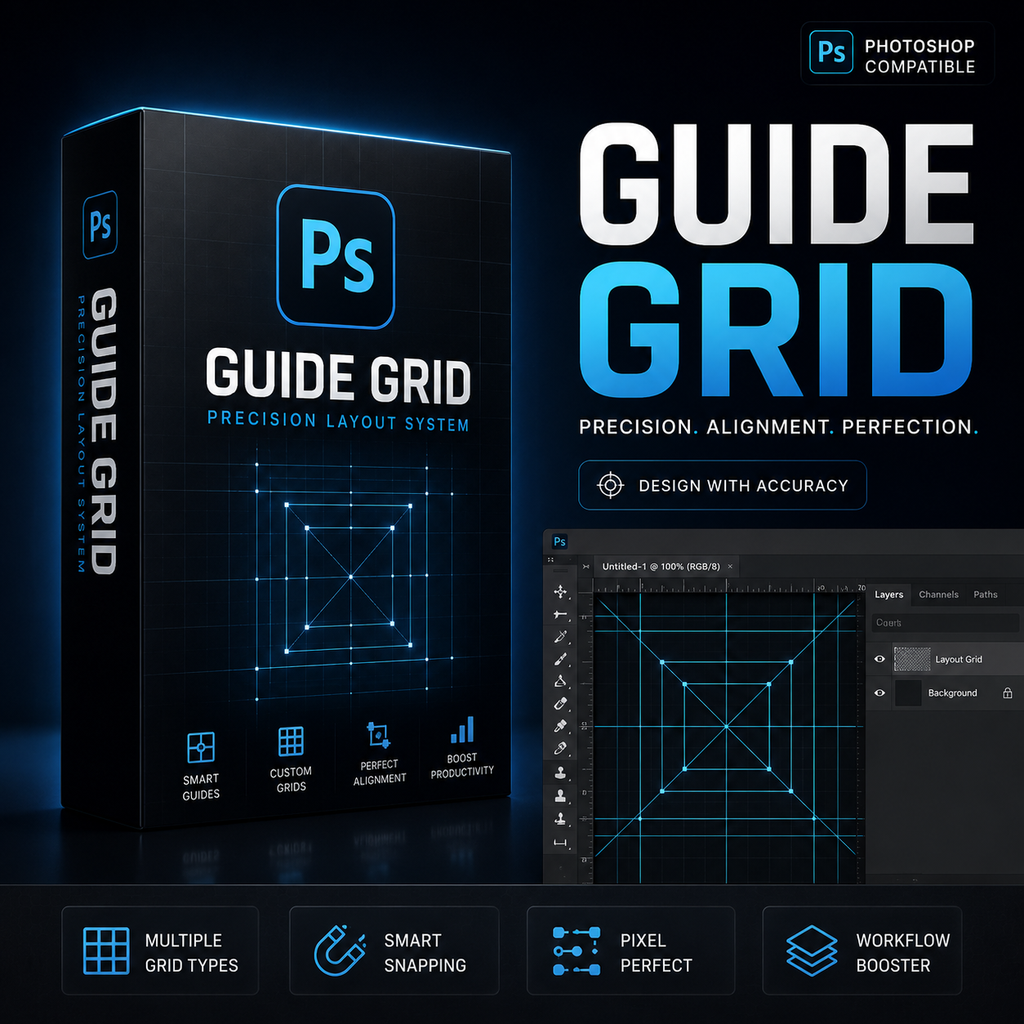
GuideGrid Pro was developed around these workflow principles. Rather than focusing on visual effects or design assets, it targets one of the most repetitive parts of the design process: layout preparation.
Its combination of custom guide intervals, equal distribution grids, margin controls, quick composition templates, and reusable presets allows designers to establish structure quickly and consistently.
Case Example: Marketing Asset Production
Imagine a marketing team producing campaign graphics for multiple channels.
Every campaign requires:
- Social media posts
- Display ads
- Landing page visuals
- Email graphics
- Presentation slides
Although dimensions vary, many structural requirements remain similar. Margins must remain consistent. Alignment systems should follow established guidelines. Key visual elements need predictable placement.
Without automation, designers manually recreate guides for every asset size.
With reusable guide presets, the team can instantly apply proven layout structures and focus on content adaptation rather than repetitive setup.
The result is a smoother production pipeline and more consistent visual output.
Pro Tip
Create separate preset libraries for common project categories:
- Social media content
- YouTube thumbnails
- Website mockups
- Print layouts
- Presentation slides
- Advertising creatives
Over time, these presets become valuable production assets that dramatically reduce setup effort.
Manual vs Automated Guide Generation
| Workflow Area | Manual Process | Automated Process |
|---|---|---|
| Margins | Repeated calculations | Instant generation |
| Column Grids | Manual placement | Equal distribution |
| Row Grids | Individual positioning | Automatic creation |
| Golden Ratio | Manual math | Built-in template |
| Rule of Thirds | Manual measurements | One-click template |
| Reusability | Rebuild every time | Preset system |
| Consistency | User dependent | Standardized |
Frequently Asked Questions
Why are guides important in Photoshop?
Guides help maintain alignment, spacing consistency, hierarchy, and visual structure.
Do professional designers use guide systems?
Yes. Guides are widely used across digital design, print production, photography, publishing, and advertising.
What are the most common guide layouts?
Margins, column grids, row grids, Rule of Thirds, center alignment systems, and Golden Ratio structures.
Can guide systems be standardized across teams?
Yes. Presets make it possible to reuse identical structures across projects and departments.
Why automate guide creation?
Automation reduces repetitive setup work while improving consistency and accuracy.
Who benefits most from guide automation?
Freelancers, agencies, in-house marketing teams, content creators, publishers, and production designers.
Turn Layout Preparation into a One-Click Process
Professional design starts with structure. Automate margins, grids, composition guides, and reusable layouts with GuideGrid Pro for Photoshop.
Less setup. More designing.
Conclusion
The future of design productivity is not only about generating more content. It is also about removing unnecessary manual work from the creative process.
Guide creation has long been treated as a small task that designers simply accept. However, when viewed at scale, repetitive guide setup becomes a significant source of inefficiency.
As design systems become more sophisticated and production volumes continue to increase, standardized guide workflows are becoming an essential part of professional creative operations.
Automated guide generation helps transform layout preparation into a predictable, repeatable, and efficient process. By combining custom intervals, equal distribution grids, margin management, composition templates, and reusable presets, GuideGrid Pro provides a practical solution for designers who want to spend less time preparing canvases and more time creating great work.